Thursday, October 3, 2013

Videos and QR Codes in the Library


This week it is about me leaving my comfort zone... using unfamiliar technology. 

ANIMOTO and BOOKS

First, I am working backwards because I could not wait to design my first book trailer. I had to design a book trailer for one of my favorite books.

The book or in this case books, that I chose was: The Unlikely Pair, Turn the Page, and Personal Attention.  However Carla Krae, the author, made it into a trilogy.  THIS made me very impatient, but it was worth it.

This is my QR code for my Book Trailer! Check out if you  haven't. Scan and watch, enjoy!
 
If you cannot wait for it to load, here is my book trailer!


QR CODES in the LIBRARY
 
As I am charting unexplored territory, QR codes have been around for a while and now are very popular now. I am behind on the times and now libraries use QR codes to send out messages and other information is this format.  I didn't know that! ARGH!  However, it is time for me to research  how it is applied toward libraries and their services.
 
In this blog, Musings about Librarianship, provides information about how QR cods are used in libraries.


Aaron Tay, the author, states that they use QR codes to have a virtual presence in the technological world. It is faster and easier to do things because of these codes.

If you need more information, this presentation also can help you.


For example, libraries use codes for the following:

1. Blogs
2. Catalogs (Library and others)
3. Webpages (Educational, as well as others)
4. Posters
5. Checking out/ Books
6. Videos

These  either come in URL format, text, email, and/or other formats the user prefers. This allows users to save/use important information quickly.

After researching how libraries use QR codes has inspired me to use them the same way because it is already effective.  In my school library right now, it is difficult for our librarian to help everybody and there is not enough computers to research possible book choices that students are wanting to look up.

Creating codes to help move traffic in my future library will utilize my aides and myself because it optimize our time, knowledge, and relationships we build with patrons. Having QR codes on books will help our students, having a code that links our book catalog will aid student searches for books, and helping them actually researching for class or not can help our students become well-rounded readers, researchers, and life-long learners.

YOUTUBE and the LIBRARY

Adding to this adventure was choosing two videos from several YOUTUBE channels which are listed below.

* https://www.youtube.com/user/TheNHSLibrary/videos


The reason why I chose these two videos from this channel was how the librarian modeled the research that had to be done by students. She didn't leave the students to fend from themselves while wondering the library aimlessly. She equipped them with what they needed promptly and thoroughly.

I believe the students will like the Social Issues Research because it can be applied to today while the poetry assignment that acquired  more research. 

*https://www.youtube.com/user/theunquietlibrary/videos


What I like about this channel was how the librarian target essential topics that students need to know to use media properly and legally. She provides several videos on Creative Commons that explain what it is and how to use it. She also celebrates student work done.

From my selection, I believe the students will choose the Creative Commons presentation because it provides effective and thorough information that will help students use media correctly. They can alo always revisit it, if they forgot how to use it. If not, there is the class mini-lesson she created for Ms. Salas. But, the other is targeted for everyone!

*https://www.youtube.com/user/pikesvillehslibrary/videos


I loved this channel because it focused on what the students are doing. Especially, with their vocabulary development. I liked seeing how they were applying their new found knowledge and word to truly ingrain the word to their personal vocabulary bank.

If I was a student I will choose the PaperSlide Story because it shows the process of the assignment and provides student feedback that is encouraging.

* https://www.youtube.com/user/bbmsmedia/videos


I admire this librarian and LOVED this channel. This librarian captures students hearts by using their interest to return books and  get them working.

He also provides personal recommendations based on strong leading ladies in several books he read and uses technology to get students thinking about their future using Go! Animate.

Besides the constant and enjoyable reminders to return overdue books, I believe a student will choose Go! Animate as a helpful and enjoyable video.
 
END RESULTS FOR YOUTUBE CHANNELS
 
Overall, I  believe from all these videos  the most helpful is the Creative Common Presentation because that is vital to any research especially if it is mostly media.

Although,  I believe students will like the Overdue Books Reminders best because it captures their attention and  gets them to remember to their books in.

As My Adventure Ends...

I noticed  the importance of keeping with the times and not hiding under a rock. I need to embrace the websites, apps, and other technological things that surface to keep up with my student/patrons. I need to be able to teach them through what they know and make it fun. It will capture their attention and be able to develop skills that will never fade. I am a work in process that cannot wait for her next adventure with technology.


Friday, September 27, 2013

Exploring the World of Blogs

After getting the hang of blogging, I am quite fond of it. It releases your thoughts, for example like my new Tumblr account http://amcarrizales.tumblr.com/.  Check it out, it is still new, but it will soon embody  my personality.

However, when I researched the various Blog readers, I immediately fell in love with Tumblr. I thought to myself, " This is  it. Don't look any further. I found what I needed." And I did. I chose my five, plus more blogs to follow. It is was user friendly and I had no worries. I eased through the site.   

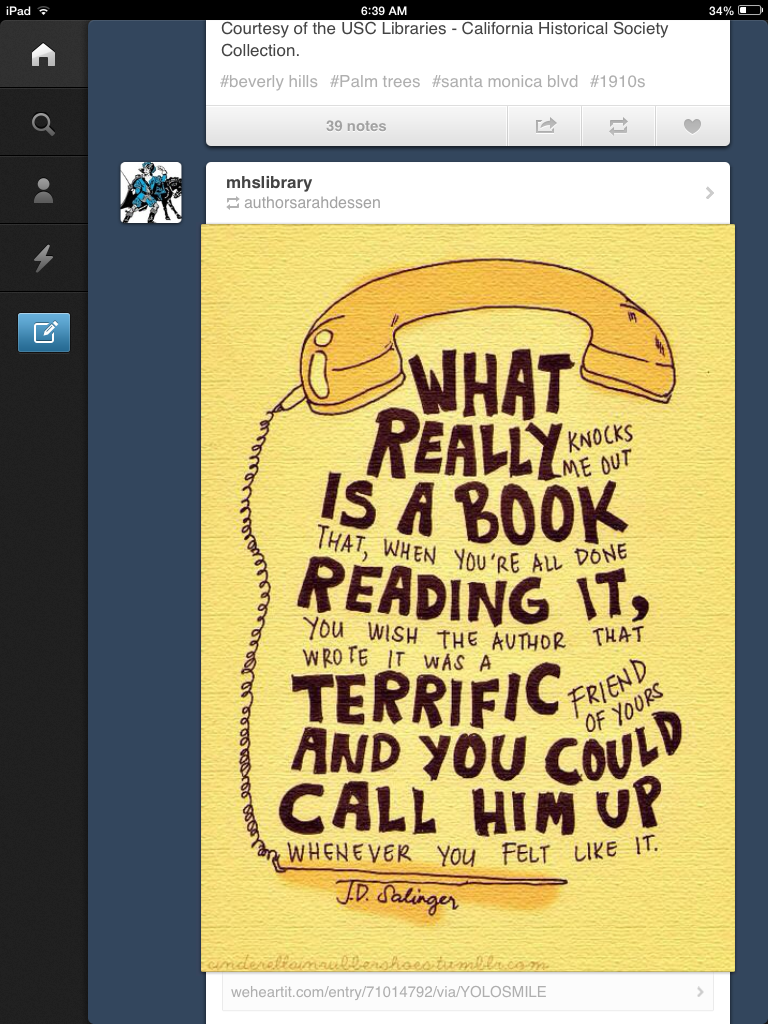
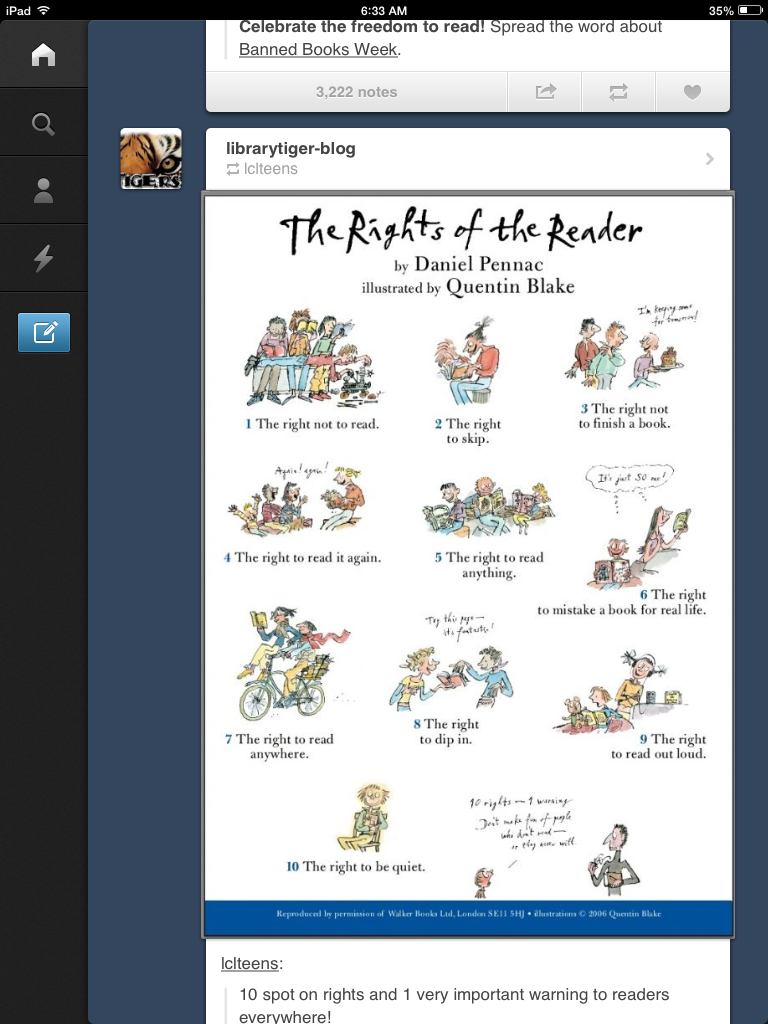
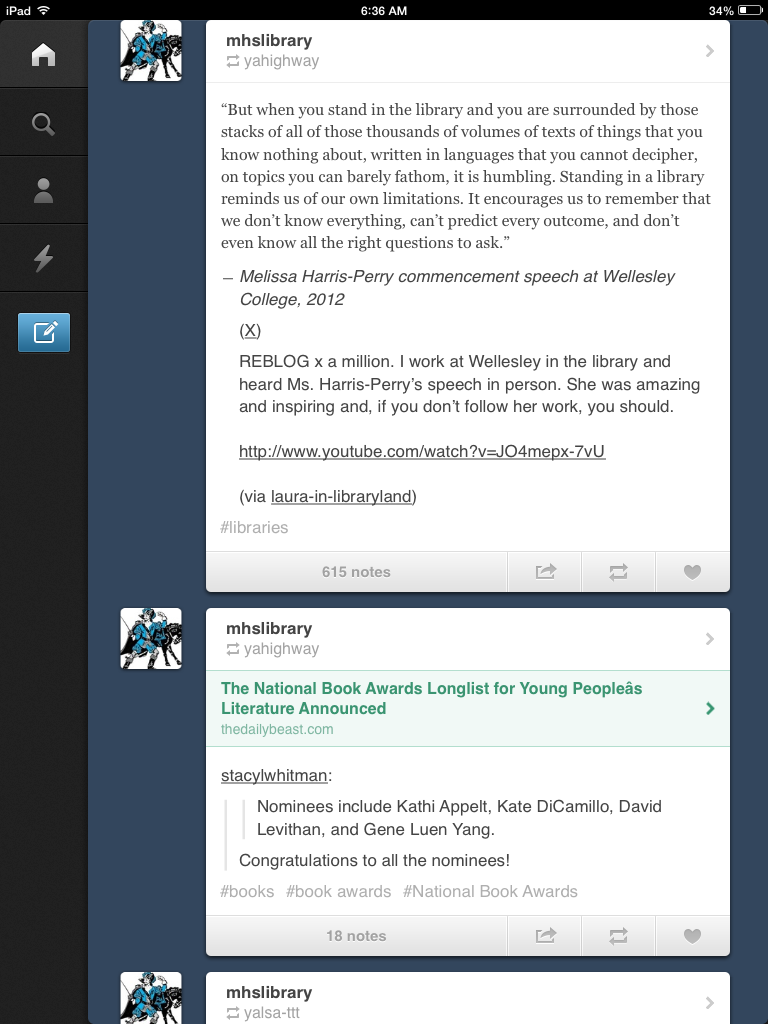
Here are some of my pictures from my Tumblr experience.


Although, Bloglovin' didn't get my excited. I went through the motions and set up an account, but after awhile I was, " Eh, I am done." It was bland and "high school libraries" did not show up. I had to enter libraries  to get any type of results. It lacked the personality I was hoping for and I had to go looking for my other blogs I followed. I didn't even like it enough to enclose pictures of my stop with Bloglovin; for you all to see. I expected more. I guess this what I get for starting with Tumblr.

 On to the next, Feedly. It is a part of Google. Convenient and I like it too. It is like Tumblr.... my decision is now wavering... Tumblr has competition. Here are some screen shots of what my homepage looks like... so much to read! :)


The last for me for this  entry is, Digg  Reader. I had high hopes for this site, but they soon deflated because it lacked the luster I was looking for. I didn't find the personalization  button, the color, or pictures to hold my full attention. I guess I am like my students because I got distracted and bored fast, despite the newsworthy blogs I followed. No noteworthy pictures.

So in my book the blog readers I looked at are ranked as follows:

1. Tumblr
2. Feedly
3. Digg Reader
4. Bloglovin'

As you can see I rated Tumblr the best blog reader for myself. I like that it allows me to customize my space with options and has quality blogs to follow too. I cannot lose with Tumblr.

Librarians are using Tumblr and others like it to relate information the best way, through social media. How we receive and send information is changing. Librarians are not notifying the teachers, administrators,  professionals, parents, and students through an announcement, letter,or word of mouth anymore.

It is expanding through Facebook, e-mail, blog readers, and others. Reading and writing go hand and hand and stem off to other subjects, professions, and life skills that children will develop in time. Libraries are vital to the development of children and society. They, and we know it is.


We seen, heard, and  made known because of how they taken action to reach students and the public.  Here are five examples I chosen to follow on Tumblr.


So in my book the blog readers I looked at are ranked as follows:

1. Tumblr
2. Feedly
3. Digg Reader
4. Bloglovin'

As you can see I rated Tumblr the best blog reader for myself. I like that it allows me to customize my space with options and has quality blogs to follow too. I cannot lose with Tumblr.

Some blogs I started following are:

1. librarytiger-blog (Chapel Hill High School Library: http://librarytiger-blog.tumblr.com/ ):  It allows the follower to see more than pictures. It shares articles, opinions, and the plain hilarity out of the complicated. It will hold the follower's attention (students) because of the content that it shares. It is more than just a plain a plain site of information.


 For example, they posted a thought provoking article that will capture a student's mind because of the subject it is addressing:  Banned books based on girls and color.


2. mhslinrary (Montclair High School Library http://mhslibrary.tumblr.com/ ): Captures my heart immediately because of the quote that welcomed me to their site. Their site has the perfect mixture of information, humor, book reviews, date, and more. It is perfect and whoever is the user behind this blog is doing a great job.


3. nikkidrobertson (The True Adventures of a High School Librarian
http://nikkidrobertson.tumblr.com/) :  has a homey feeling to it.   The follow can see the earnest of the librarian maintaining this bog because of the information that is presented on this blog. It shows the journey of this librarian authentically. This blog shares photos, articles, and professional information to help students and teachers.


4. librarieschangedmylife (http://librarieschangedmylife.tumblr.com/): Depicts the importance of  libraries. They share articles and testimonials of actual people and events that changed by libraries.


5. librariesbuildcommunity (Library Journal http://librariesbuildcommunity.tumblr.com/): Show the importance of the library through articles, pictures, and videos. An example:


These are the reasons why I chose this blog reader over the others. They are blogs that can help me become the librarian I know I can be. Like everything, I cannot do it alone.  But, blog readers like this will help develop and transform me into the reading butterfly that is inside me.


Thursday, September 19, 2013

Intertwining Pew and Infographics

  I continue on my journey on becoming a librarian, Dr. Perry has taught me that it is essential to read and keep up with  literature and studies on technology and its effect on teens, children, and young adults in and out of the classroom. I will even included technology statistics that involve parents before I am done with this semester!!!

To depict the presentation I read, "10 Things to Know About How Teen Use Technology,"presented by  Dr. Kristen Purcell at the ACT Enrollment Planners Conference on July 10, 2013 I will use one of the following infographics: Easel.ly, Pikochart, or Infogr.am.

Before I start analyzing the presentation, I have to choose what infographic app I like better.

I like Easel.ly a lot, but needing to use Firefox for the program to work effortlessly is a major turn off. It is a deal breaker for me.  At least, Easel.ly did not hide it from its users. The app will notify the user about the inconvenience with a pop-up message before they start. I still tried through. I used Firefox, but it was still difficult to use. It was  going smoothly until I wanted more. The editing bar got in the way and didn't want to move. I couldn't figure out to create other graphs the template had.  As you can see, I did not get very far. I couldn't  complete my infograph on that app. Here is my first try. EPIC FAIL!

inforgraphictry1 title=
easel.ly

Using infogr.am was not any easier  for me to use to create my infograph. Yes, all you had was double click  to change the information, but the things I wanted it do was for the pro version. You as a user couldn't do very much or I am not very technology savvy.  The header text was to big, I didn't know where to go to minimize it. The title didn't totally fit on the screen at one time. I finally got to get the quote the way I wanted, but the graph did not work the way. I wanted to move something it disappeared  and I couldn't figure our how to get back.  For example, the title in the third photo. I tried several times before saying and thinking this app isn't for me.  As you can see I was not very successful. On to the last and final suggestion, Piktochart. 


 When I saw that Piktochart format I thought I found the app that could do the things I wanted it to do. It took me forever to create a functional infographic about how cell phones have gotten popular and  being used in education. But, I became  a pro after continuously messing around with it. This is a seek peek into the presentation I chose was about.


The presentation I chose reveals ten things we as  teachers, adults, parents, and librarians should know about... how teens are using technology.

Teens are in the forefront of the development of technology. They know the new tech before we know about it. They are teachers in these areas in my opinion.

However, in this presentation by Dr. Kristen Purcell does not approach it in that way. She uses this presentation as a way to educate the masses and not simply talking at us. She uses data to enforce her ten things.

Her ten things are:
1. Among  Teens 12-17, social network site growth had slowed, but Twitter use is growing rapidly
2. Today's teens are sharing more personal information online than teens in the past
3. Today's teens do care about online privacy
4. Today's teens take active steps to manage their online reputations
5. Parents of teens are very aware that online content can impact their teen's lives
6. Most teen's educational environments include the use of at least some digital technologies
7. The internet has fundamentally altered how teens do research, but not necessarily for the worse
8. Digital tools can benefit teens' writing skills and abilities according to teachers
9. Teachers are divided as to whether "digital natives" are all that unique
10. A digital divide persists in the area of education and technology

The parts I found most interesting came at the end. I think because it had to deal with the teacher and  what is being implemented in their classrooms technologically.

 I know it is a struggle to incorporate technology in our already stretching curriculum, but we have to find a away because it is possible.

 I created another infographic to stress what the last pages of the presentation was about. It is not all, but what I found interesting and important.   Here is also the link to the presentation I used for this  entry. There were 46 pages in the presentation.
http://www.pewinternet.org/Presentations/2013/Jul/10-Things-to-Know-About-HowTeens-Use-Technology.aspx

Friday, September 13, 2013

Getting Organized...

For me organization does not come easy. I tried and tried, but my mess wins all the time. When I clean and put things away, I cannot find them. However, in my organized mess I know where everything is. I  have high hopes for these "organizers" to help me. Although, I am a little hesitant because I tried everything and nothing seems to work.

The organizers that I am researching to get me organized are: Wunderlist, Remember the Milk, WorkFlowy, and Pinterest.

I started my journey with Wunderlist and got deeply discouraged. I watched the tutorial videos for the app and was excited to create an account, but when I did, it was not  like what the tutorials depicted. I tried and tried.  So I think Wunderlist is not for me.

EPIC FAIL!!!


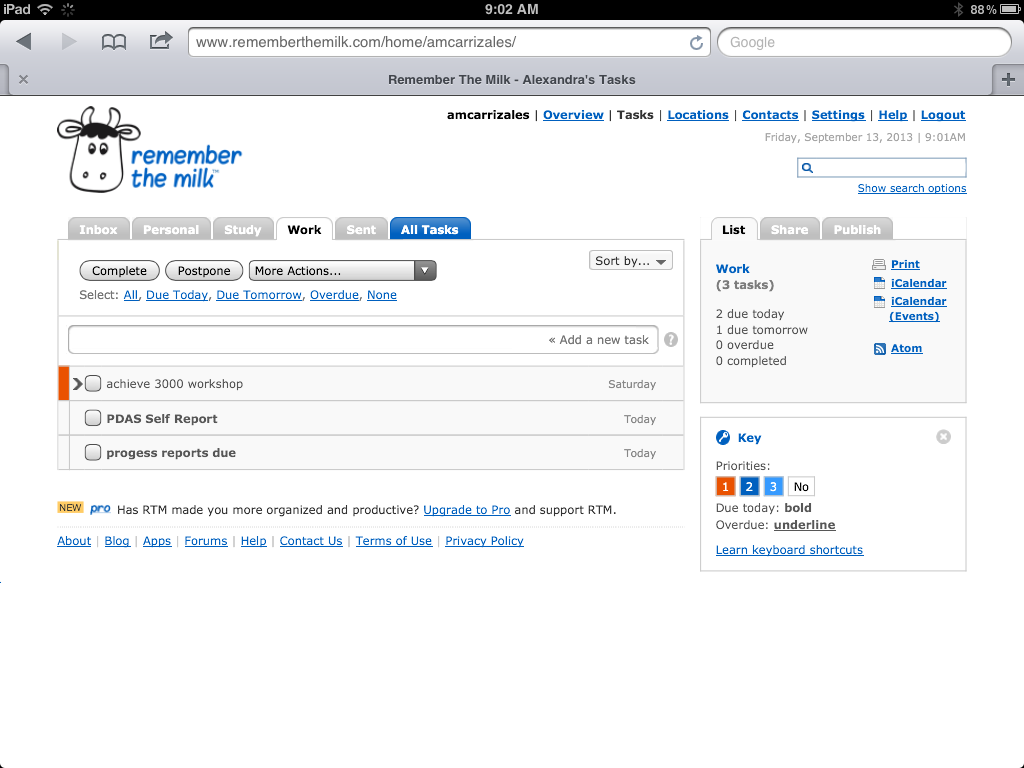
However, Remember the Milk  was easier for me and I got what I needed entered rather easily. I liked that it was straight forward and did not consist of a lot steps to set up your different lists.  So far Remember the Milk is my  favorite personally.


It is definitely looking up  for me with these organizational apps.

WorkFlowy is a user-friendly application that compiles different lists for the user. They have a Getting Started Video to help new users with their lists.  It was easy to follow and you do what the presenter is doing while seeing it.


If I had to assign my students to find an organizing app to use for my class or school in general, it will be  Remember the Milk. If I got frustrated with Wunderlist, maybe my students will too.

 Remember the Milk, doesn't hide behind backgrounds, it does what it needs to...remind its user of what  needs to be done . Students don't have the time to mess around with steps, they are busy, so  if something needs to get entered onto a list, Remember the Milk  will have to be the app to be used.

Students can use WorkFlowy too because it can house everything and as they are completing their tasks they can hide them or leave them there. It can also support a big list of tasks without going crazy. However, I believe it is targeted for an older audience because it is in just black and white, no calendar, and no bells and whistles for the younger crowd.

My favorite, Pinterest, is a place where students can see examples of assignments and projects. They can get ideas of how to do something crafty instead of a paper. Students won't be asking or questioning as much because Pinterest provides visuals, OPTIONS, and websites that can help students be more creative and excited about an assignment.

Here is my Pinterest board of  Education. These are my ideas for my classroom, suggested assignments,  and other things that have captured my eye in education.

Wednesday, September 4, 2013

Facebook: School Libraries

Facebook has become a social phenomenon and  a monster people cannot get enough of. Even school libraries have gotten on band wagon. School libraries use Facebook to promote events,  newsworthy reading material, and more. However, like everything there are advantages and disadvantages to it.

Navigating Facebook for school libraries only Pasadena High School Library and Thomas Downey High School Library caught my eye. These two libraries held qualities I would like for my future library.

*Promotes school participation
*Announcements and Reminders
*Events
*Updates
*New books
*Book Reviews
*Connecting with Patrons
 

Pasadena HS Library update their page frequently and added personality. You can see the passion the library has for what they do . They have authors visits, book reviews, school spirit, and they even hold Teen Book Con for their students. They put their heart and soul into the page to make sure it a utilized resource for their students, community, and school.


Thomas Downey High School Library caught my attention by their bulletin boards!  They used these boards to draw students to the different genres their library offers.  The page manager also uses this page has their review site for the books they are reading. I believe this brings in the personal aspect many librarians are missing because  the manager doesn't shy away from what they have to say about the book. It shows the manager's literary journey to the students and those that like or follow their page.  It is personalized.


Other libraries like Montclair High School Library just capture my heart immediately because of what it has to offer. They  have library quotes, relatable material for students and adults, and most of all it's welcoming.  


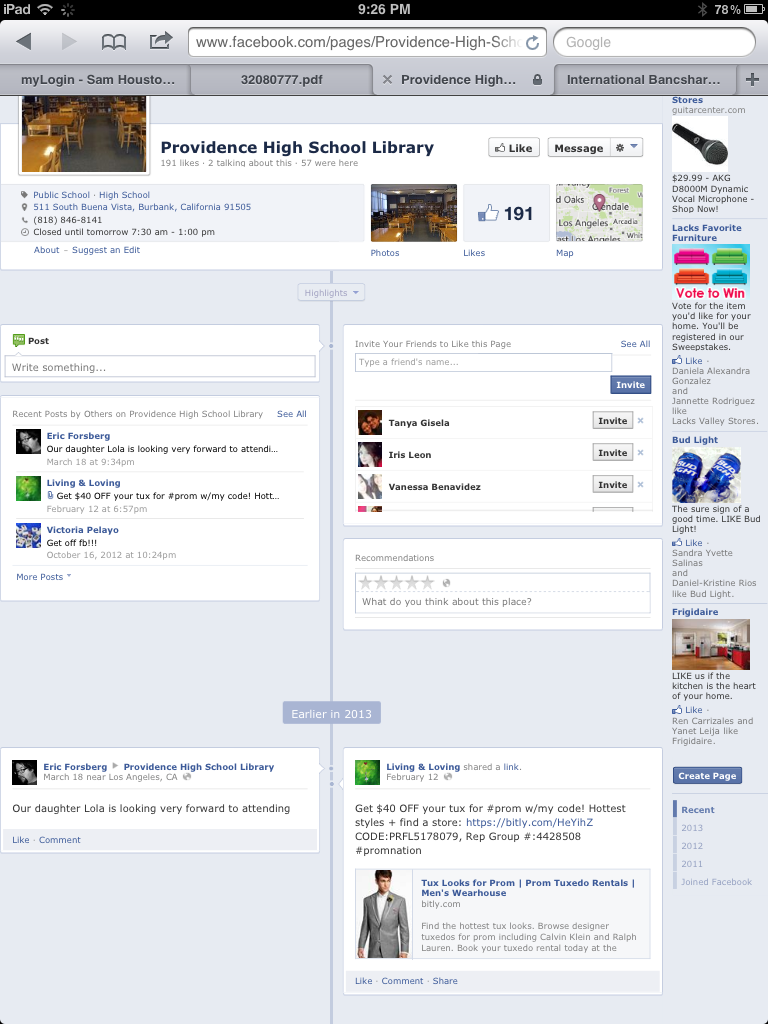
School libraries might have started Facebook pages with good intentions, but some are not well kept or updated. Some libraries like Providence High School Library lacked the following:

*Maintenance
*Activity
*Response from student body, faculty,  and school
*Promotion of site and what it offers
*Student participation


What  I wanted to see while doing this research was more great libraries utilizing social media instead of the sparse population I found. However, the few that I found did an awesome job incorporating Facebook into their library. They also showed  me what I have to do in order to have a successful library program wherever  I am in the future. I have to be innovative, current, and continuously learning  about technology to ensure that my library and patrons have what they need.


Keeping it Real and Straight Forward

Reading this post will make teens reflect on the life they live. Maybe it will shed some light on what they experience and try to be just themselves- not adults. They can enjoy their adolescent years more than trying to be older than they are.  What is your point of view?

I also believe nowadays men are not like the gentlemen of past, but this man is a fine example of what one is.  He rather give up luxury to be with his wife. Today not many men would do this. 
Being a teacher, my passion for what I do comes across when I teach and these quotes having me reflecting on different topics that have been risen recently.

With the new indicators and what is expected from schools now has me and my school looking at new material than last year. It seems we are not the only ones looking.


Tuesday, September 3, 2013

Still Investigating...

Last semester I was given an assignment that I had to choose ten books from different lists that featured award winning books in a specific category. For example, The Coretta Scott King Book Awards. The tweet I found by Dr. Rosemary Chance reminded me of this assignment and the impression one book left on me.
This book made the struggle of African Americans comprehensible for children with its color and simple language.  The emotions moved on the page made it a memorable book.

Dr. Chance's Twitter account is insightful and full of short reviews about books she read. I will be following her account closely to keep up with my reading list.
Any book recommendations for me?

***********
 I love this idea. This project help ONE see the importance of community within our profession for the greater good of our students. Just imagine if it grew from 84 educational professionals to more! The impact it will make for our classroom, students, society, and much more!

"volunteer teachers/librarians/reading coaches from all over the world will share their thoughts about connecting kids and books."

Kirby's Lane: A Place for Readers and Writers: From the Office of the Future of Reading* http://t.co/4gbXd0JOKm Great title, @kirbylarson!
***********
I would have loved  having Labor Day off, so I could read too!  I find it funny how fast one reads for pleasure, because I do too!  I would have done the same, but I had to work.

I will love using these books in my classroom to bring my newcomer boys want to read!
I can also use this and more with the following tweet from Buffy Hamilton.